The Customized Mock Interview Online Platform
Dress code & setup guide
Look professional, sound clear, and remove distractions — so your mock interview focuses on your answers, not your setup.
You do not need expensive gear. These are the same practical tips we share before real HR and Technical rounds on MockitX.
Camera & lightingSmart casual dressAudio & quiet room
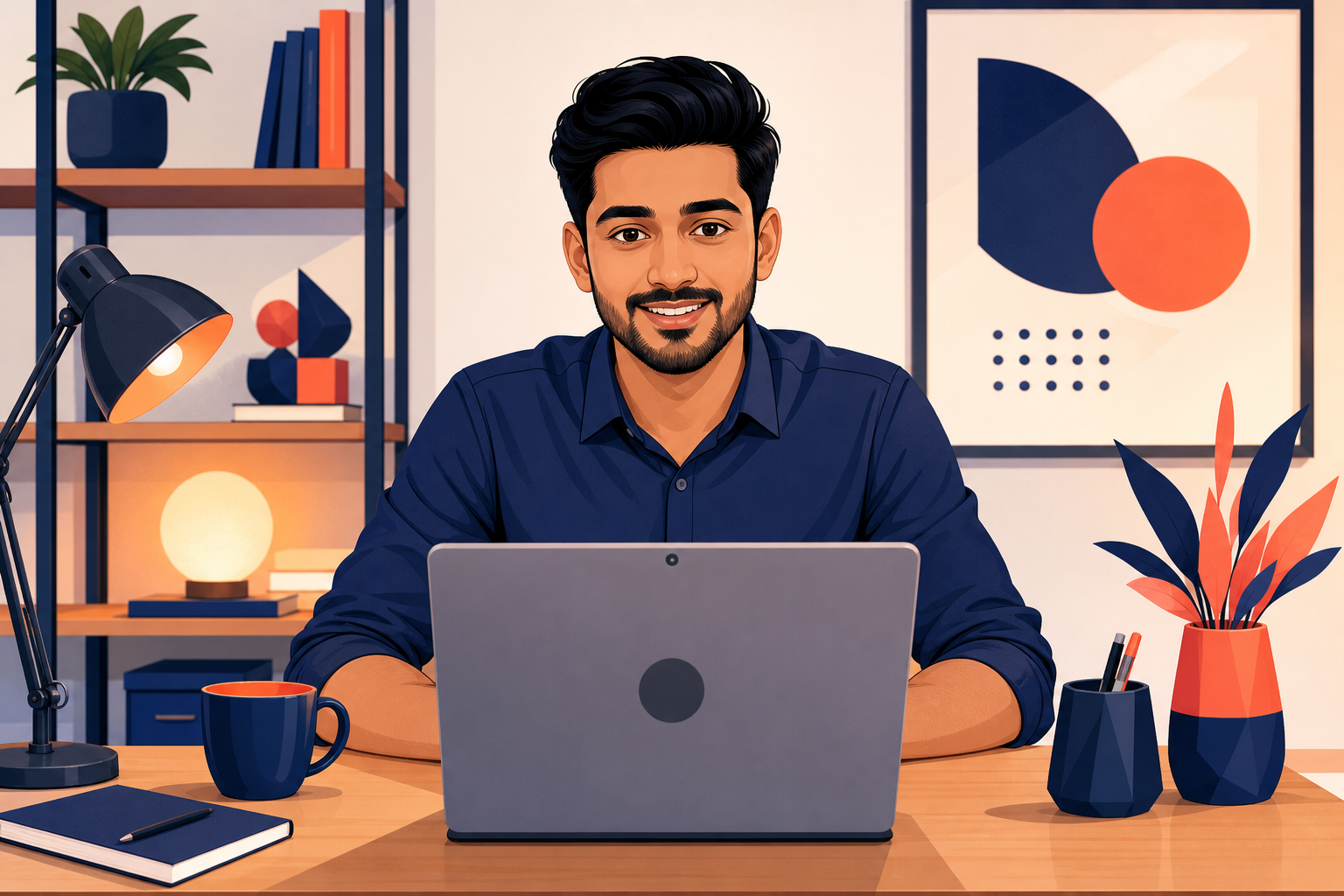
Before you join the call
A few minutes of setup makes a big difference. Use this checklist for mock interviews and real hiring conversations alike.
 Tip
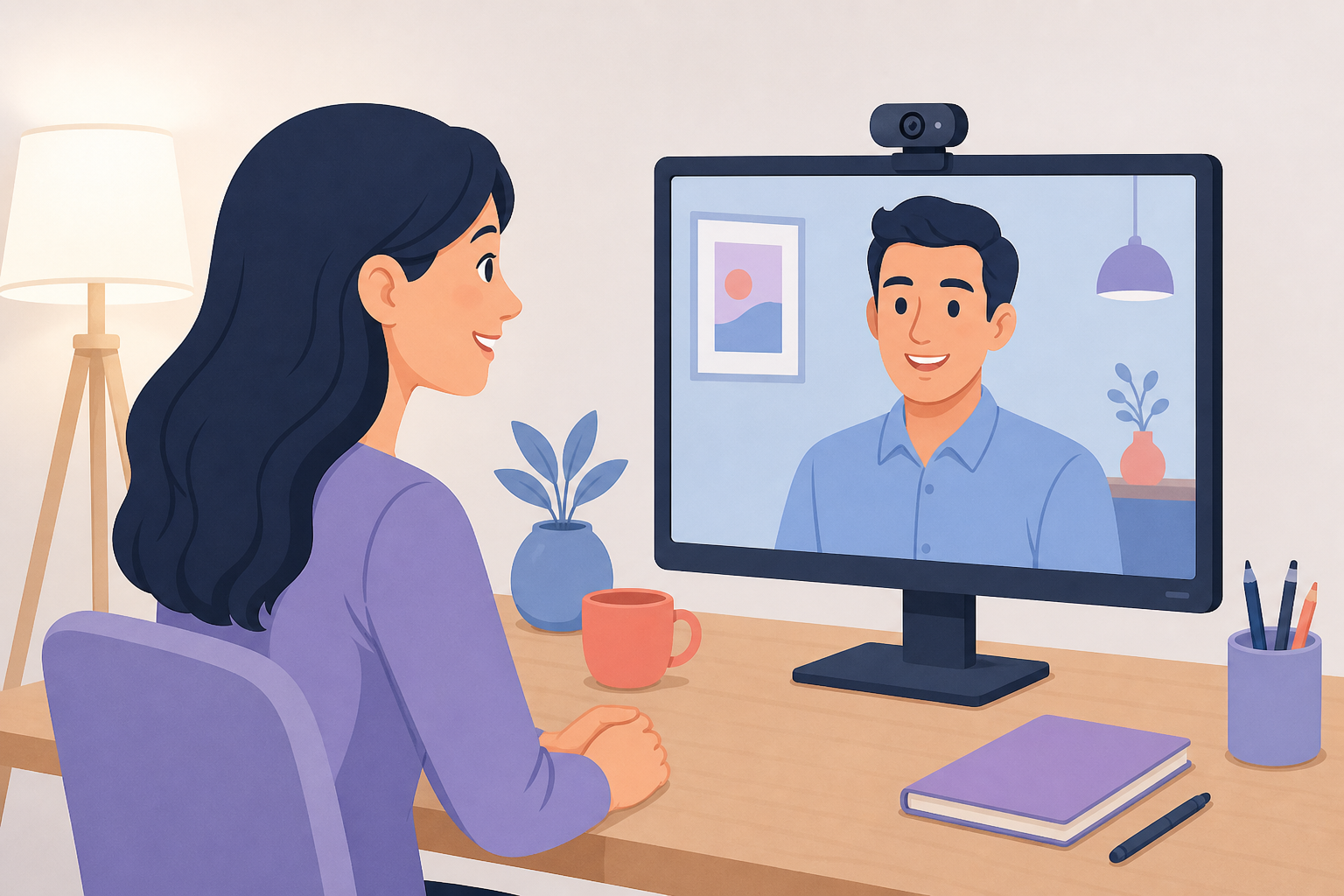
TipCamera & background
- Use a neutral, clean background — a plain wall or curtain works well.
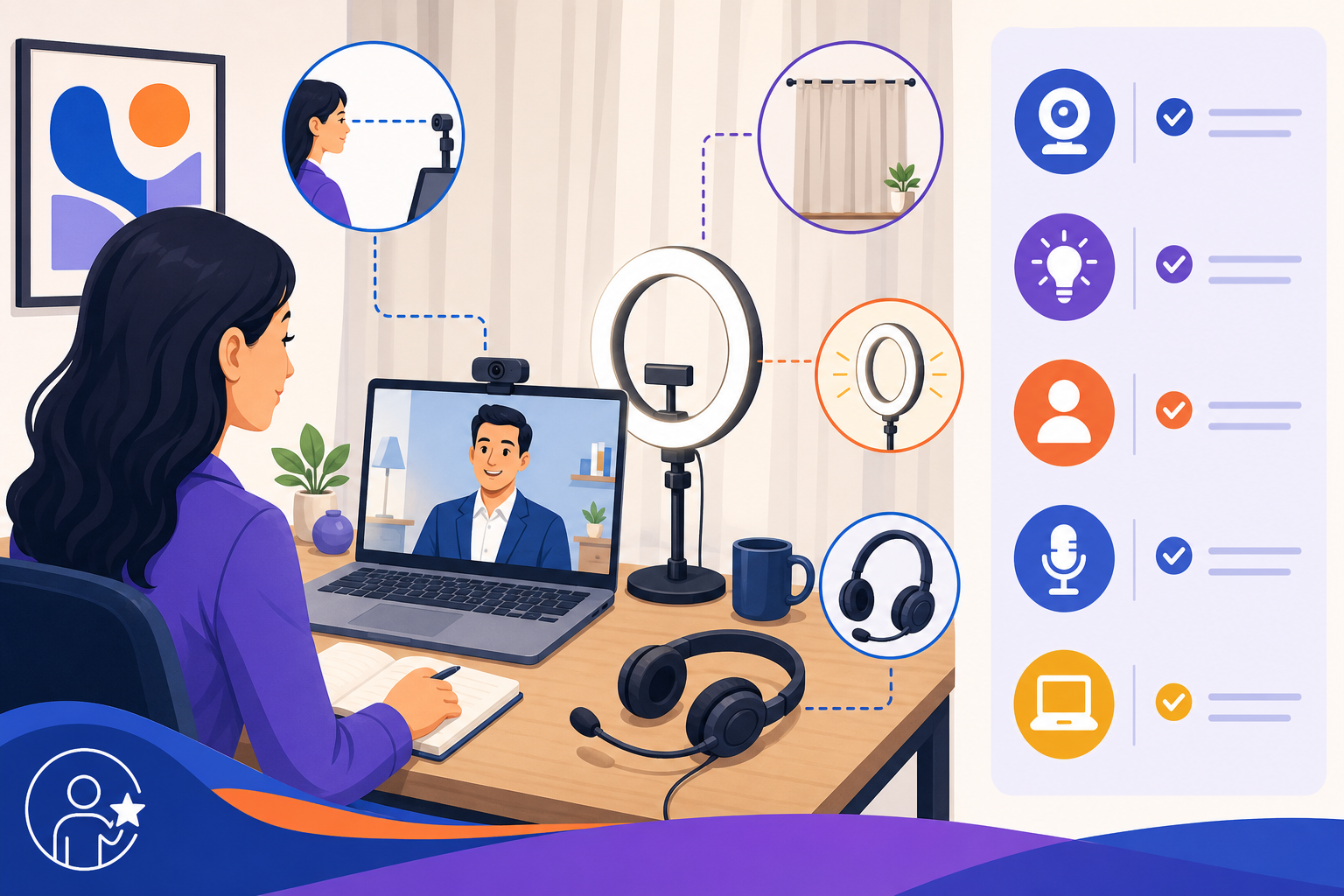
- Place light in front of you; avoid strong backlight from windows.
- Raise your laptop or webcam to eye level so you look engaged, not looking down.
 Tip
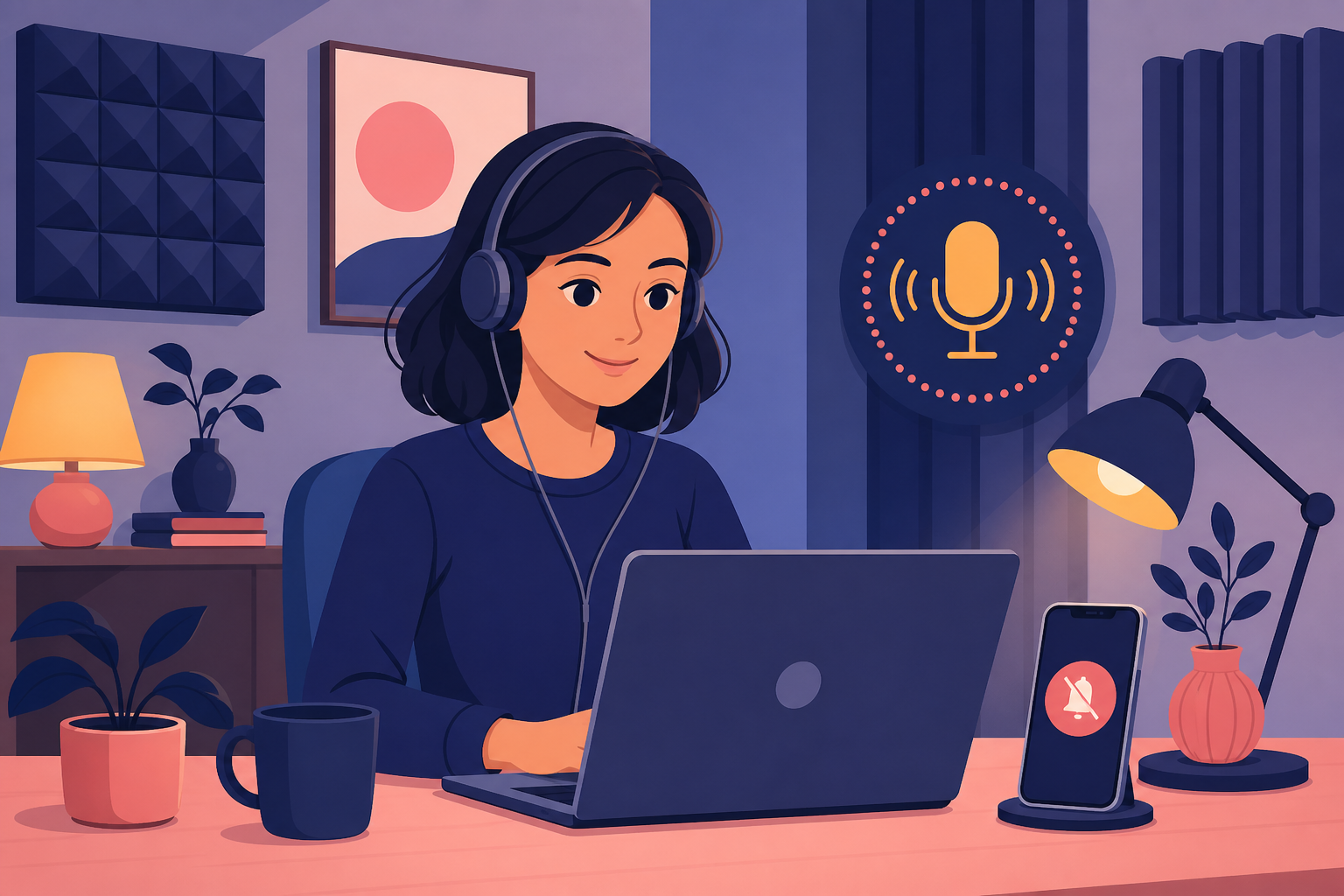
TipAudio
- Use earphones or a basic headset for clearer voice pickup.
- Choose a quiet room and mute notifications on your phone and laptop.
- Test your mic once before the session starts.
 Tip
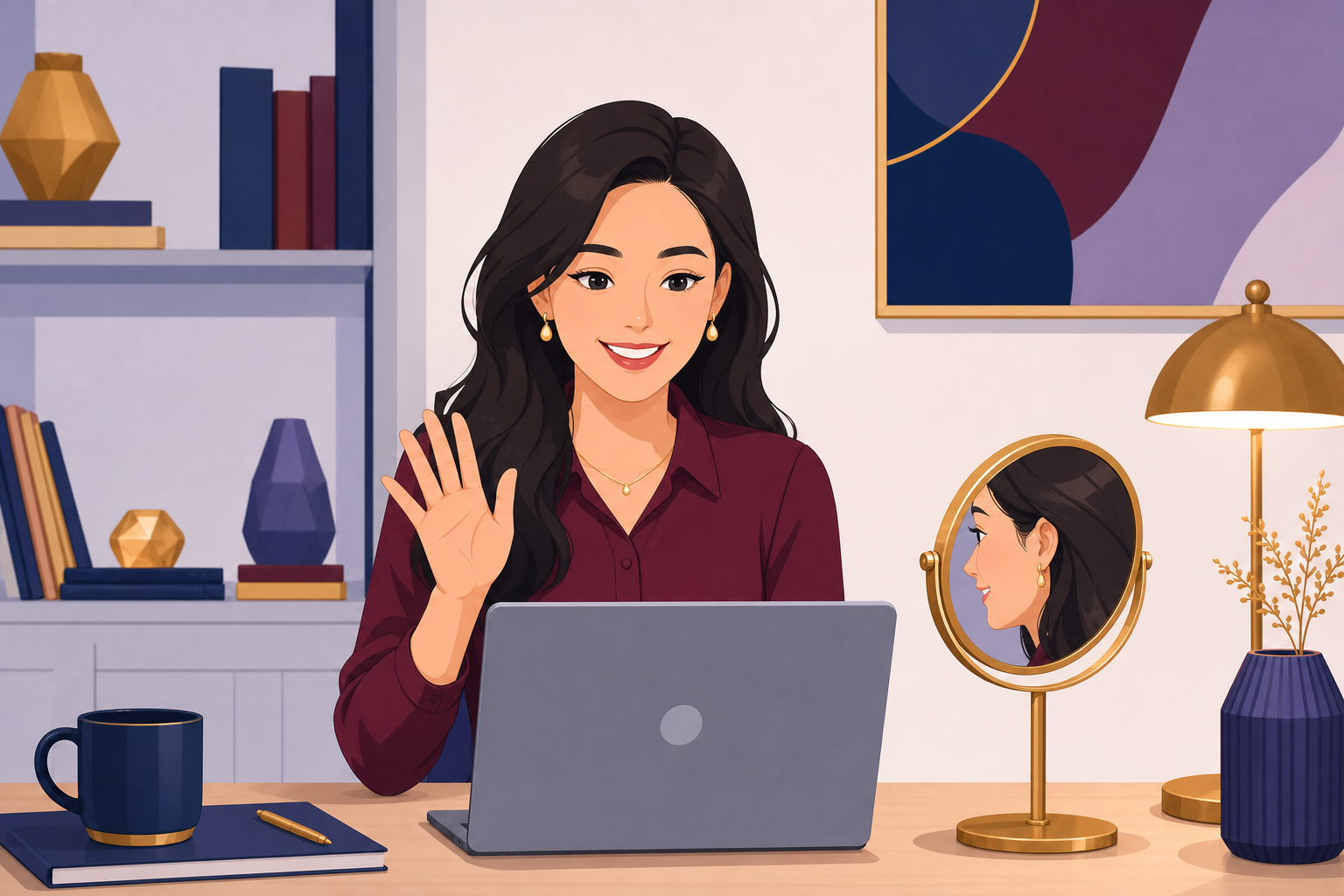
TipDress
- Smart casuals in solid colors photograph best on video.
- Wear a well-fitted shirt or top; avoid flashy prints or busy patterns.
- Grooming matters on camera — neat hair and a calm, professional presence.
 Tip
TipEnvironment
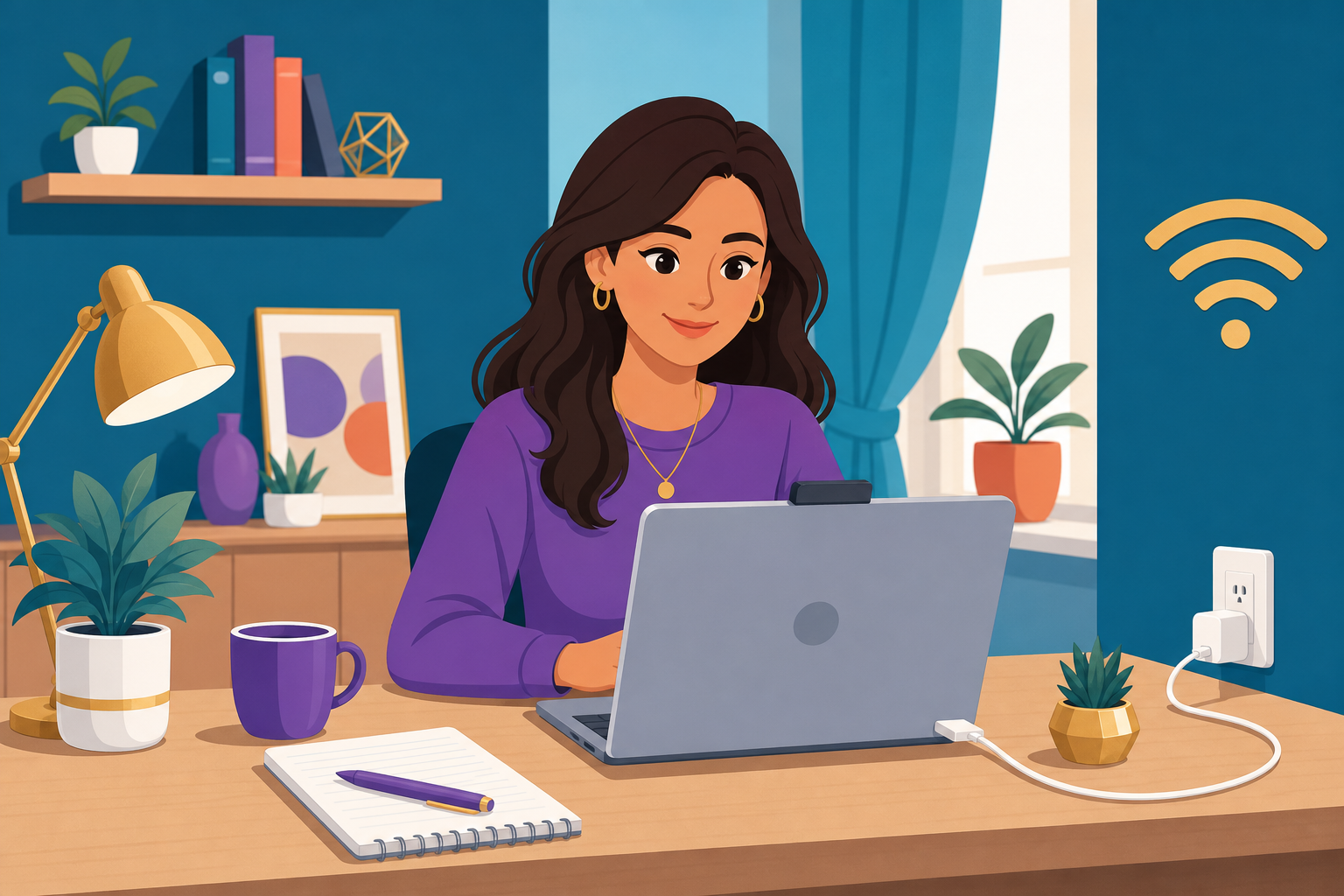
- Use stable internet and keep your charger within reach.
- Keep pen and paper nearby for quick notes or diagrams.
- Close unrelated tabs so you stay focused during the interview.
Pre-call
Quick pre-call checklist
Run through this list five minutes before your slot. It keeps the session smooth for you and your mentor.
- Camera at eye level
- Front lighting on your face
- Headset or earphones ready
- Quiet room, notifications off
- Smart casual attire
- Stable internet & charger